
General UI principles
High-level patterns shared across Vue Inspector panels. For where the UI runs (overlay, DevTools tab, standalone window), see Display modes and Installation.
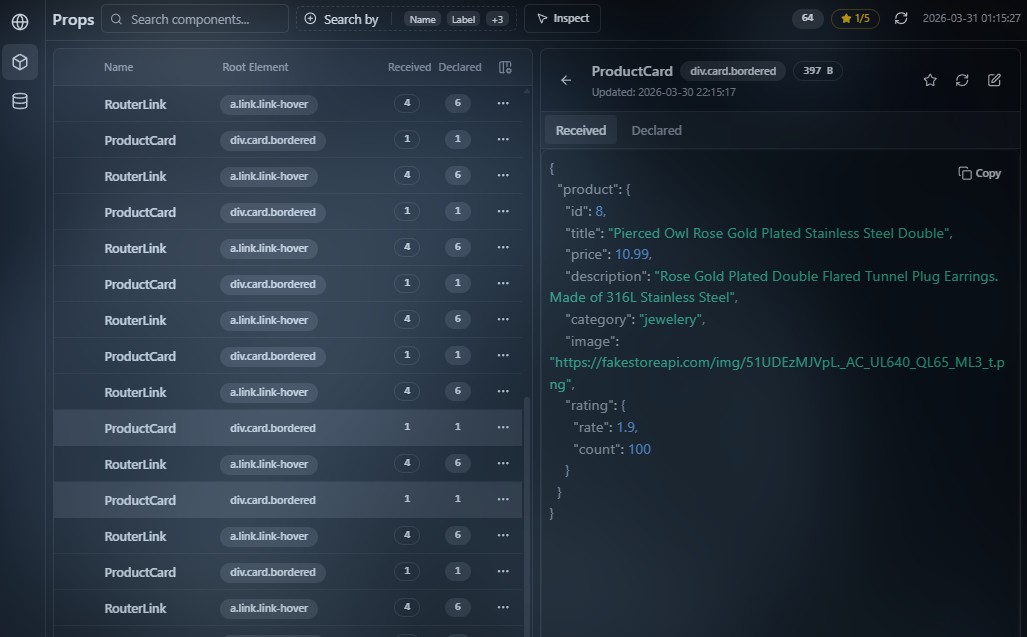
Navigation
The UI is built around two main tabs: the primary data area and a secondary detail area. In narrow layouts the two can merge into a single working surface.
Working with rows
In all tables you can act on a row in two ways:
- the ⋯ menu on the row;
- the right-click context menu.
Both are equivalent and appear across the main areas of the app.
Top toolbar
Most panels share a common top toolbar with search and extra actions. What appears there depends on the current mode and the kind of data shown.

Search
Search is a cross-cutting feature in the main panels.
The runtime provides a built-in search affordance:
- Ctrl+F — uses the browser’s or DevTools find‑in‑page behavior (and how it interacts with the panel depends on display mode and the structure of the current view).
For section-specific filters (requests, props, store), see the relevant docs — for example Network — working with requests.
Keyboard shortcuts
Common shortcuts:
- Ctrl+F — search in the current panel (see above);
- Esc — cancel the current action, e.g. close a detail view or exit Inspect mode.
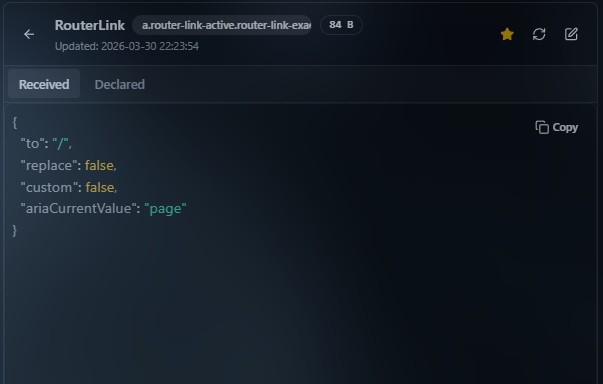
Detail views
Many entities open a detail view when selected. Esc or navigating back returns to the previous UI state.
Display modes
Depending on launch context — Overlay, DevTools, or Standalone — layout and chrome can differ slightly while keeping the same overall behavior. See Display modes, Browser extension, and Standalone app.